01
Route
Use the request details to identify the relevant product and engineering path.
Technical Support / Engineering Review
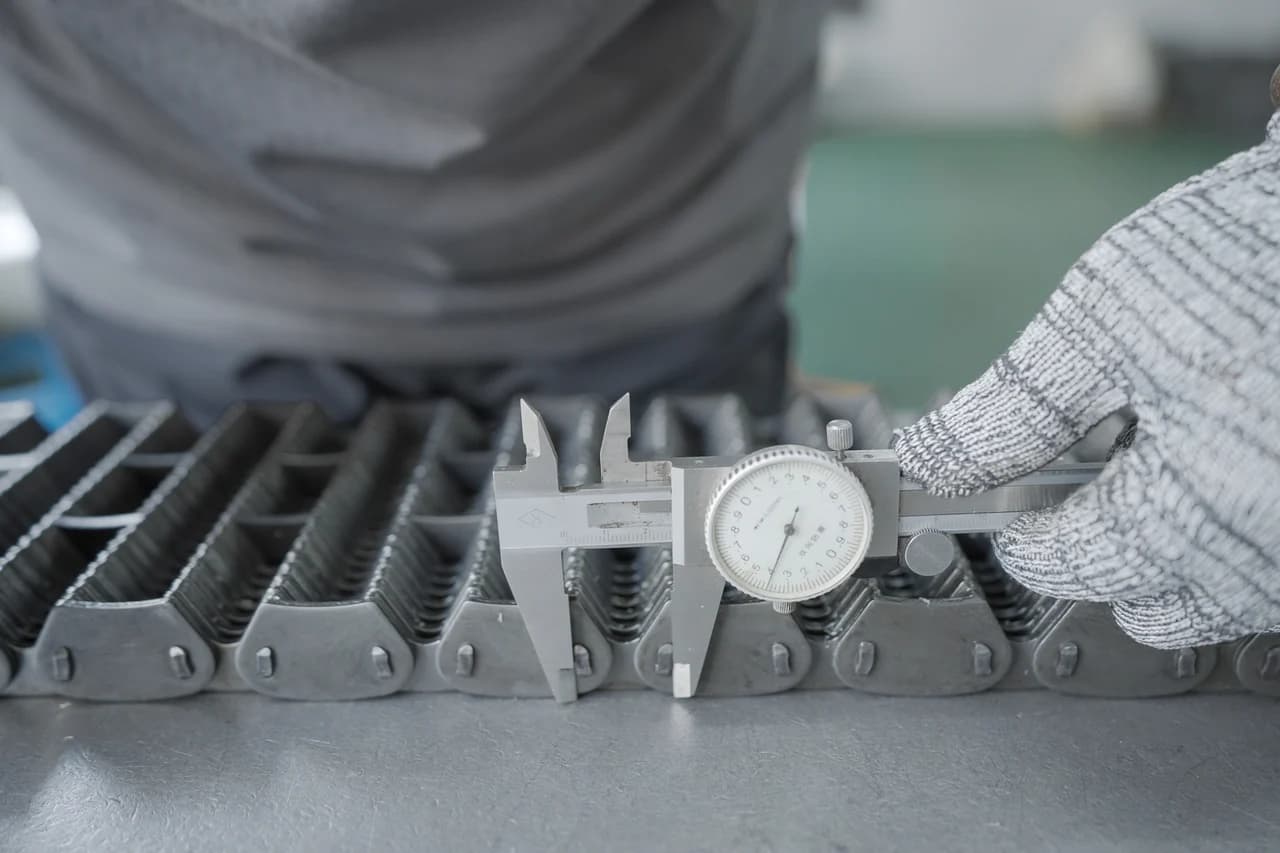
Choose a starting point
Select the closest route. You can still prepare the RFQ email if the product, model, or specification is unknown.
01
For broken machines, discontinued chains, or emergency maintenance where speed matters.
What to prepare
Select this path →
02
For OEM, retrofit, and production-line projects where the chain will be evaluated before batch use.
What to prepare
Select this path →
03
For special chains, sprocket matching, drawings, samples, and engineering feasibility review.
What to prepare
Selected path
Engineering review request
Drawings, photos, and specifications are optional at first contact. Where a separate NDA is required, arrange it before sending confidential material.
For urgent identification, pre-submission questions, or NDA arrangements.
After you send the email
The prepared email provides a structured starting point. Review may identify missing information or require a physical sample before commercial terms can be confirmed.
01
Use the request details to identify the relevant product and engineering path.
02
Check identification, feasibility, compatibility, and missing inputs.
03
Resolve critical dimensions, assumptions, and sample requirements.
04
Prepare commercial terms against the confirmed technical scope.